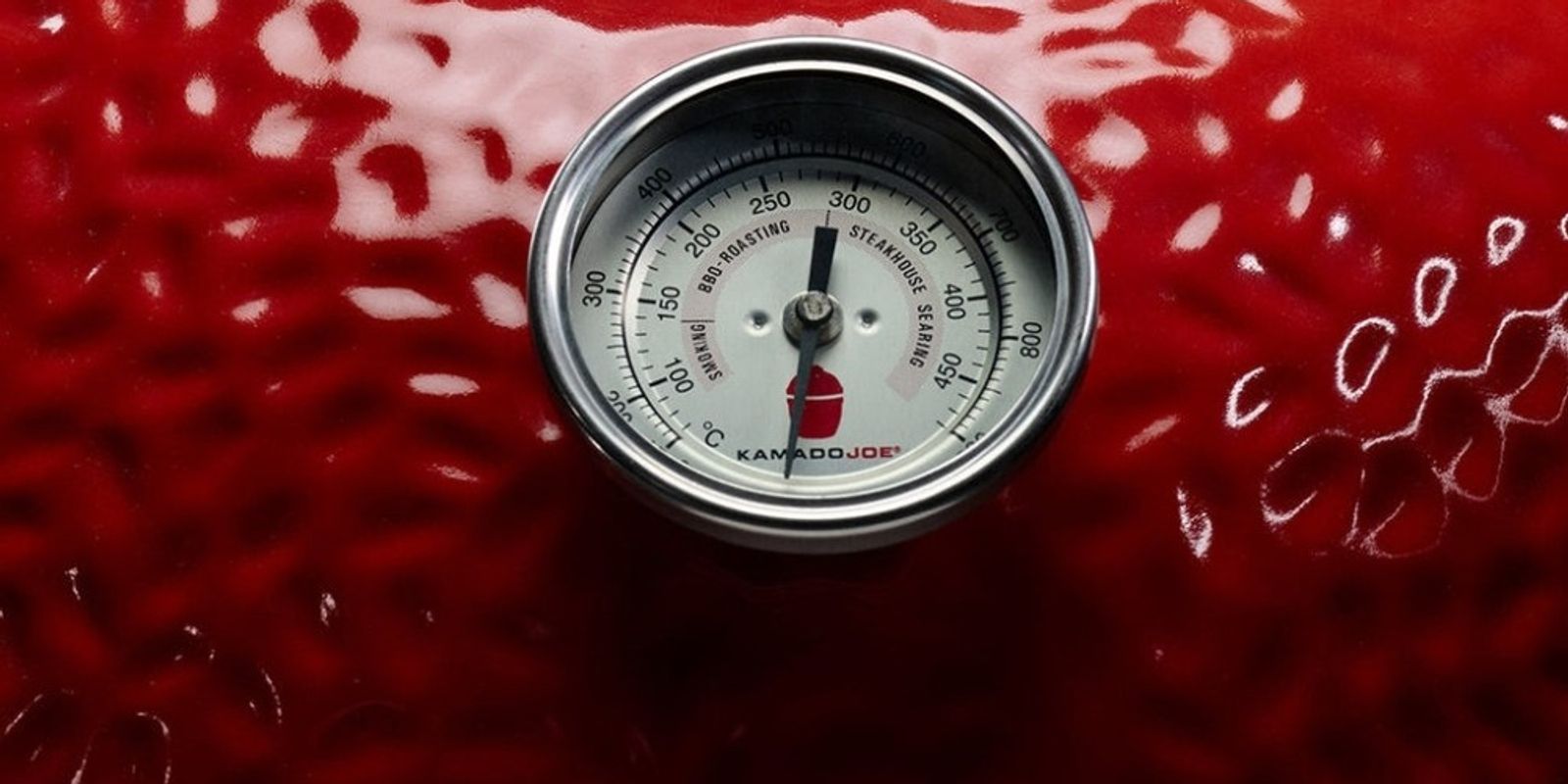
Controlling temperature in a Kamado
Use the vents to control airflow - more air increases heat, less air lowers it. Make small adjustments and give the kamado time to respond, as it holds heat very efficiently. I usually allow 15 minutes between changes in vent settings.
Key tips:
- Always approach your target temperature slowly
- Small vent changes make a big difference
- Give the kamado time to respond before adjusting again
Benchmarks When set-up with double indirect heat deflectors:
- For me 150°C is about one finger gap on the bottom vent and top vent, left of the second marker line.
- 200°C is two finger gap on the bottom vent and top vent set at the 3rd marker line.
Try playing around with set-ups in the Kamado simulator on the Tools page
Prevent your screen from going dark as you follow along.
- 01
Start Closing Down
Once your fire is established, begin reducing the airflow as you approach your target temperature.
Kamados heat up quickly but cool down slowly, so it's important not to overshoot.
- 02
Understand Your Vents
- Bottom vent — controls the amount of air entering the grill. This has the biggest impact on temperature.
- Top vent — fine-tunes the airflow more precisely.
- 03
Make Small Adjustments
Make adjustments in small increments rather than large changes.
After each adjustment, wait a few minutes to allow the temperature to stabilise before making further changes.
- 04
If Temperature Gets Too High
Reduce both vents slightly to restrict airflow.
Avoid shutting them completely — the fire needs some oxygen to stay clean and stable.
- 05
Vent Guide by Cook Type
- Low and slow cooking — keep both vents only slightly open
- Pizza or searing — keep vents more open to allow greater airflow